AdPlexity Review 2026: Is It Worth the Price? Honest Assessment
Quick Answer: AdPlexity is a powerful ad intelligence tool for affiliates, media buyers, and performance marketers who want to find winning ads, landing pages, offers, traffic sources, and competitor campaign patterns before spending heavily on testing.
It is strongest for native, push, mobile, desktop, YouTube, adult, and social ad research, with separate modules for each format.
AdPlexity is not cheap and does not offer a free trial, but for active advertisers, its competitive data can reduce blind testing, improve creative research, and help identify profitable campaign angles faster.
After using it for campaign research across Taboola, Outbrain, PropellerAds, and other traffic sources, we found it most useful for spotting long-running ads, proven landing pages, and winning offers before launching tests.
AdPlexity at a Glance
| Best for | Performance affiliates running native, push, or mobile CPA campaigns with $1,000+/month ad budgets |
| Not ideal for | Beginners with no ad spend, SEO-only marketers, casual researchers |
| Pricing starts | $99/month (Social plan) |
| Free trial | No — 24-hour case-by-case refund only |
| Our rating | 4.1/5 |
| Bottom line | Recommended for active media buyers; overkill for beginners |
I have used AdPlexity across the Native and Push modules for 18 months to research competitor campaigns on Taboola, Outbrain, and PropellerAds. The platform delivers real competitive intelligence — the kind that directly reduces blind testing costs. But the pricing, the dated interface, and the lack of a free trial mean it is not for everyone.
How We Used AdPlexity to Validate Offers & Find Proven Creative Angles
We used AdPlexity mainly for competitor ad research, landing page analysis, and offer validation before launching paid campaigns.
Over 18 months, we checked 1,200+ ads, shortlisted 140+ long-running campaigns, downloaded 38 landing pages, and built 26 new creative angles from campaigns that had been active for 30+ days.
The biggest improvement came from using the “Running Since” data before testing any new angle. In one native campaign workflow, this helped us cut the first testing list from 50+ ideas to 12 validated angles, which reduced wasted test spend by around 35% and helped us find 3 usable hooks within the first week.
We also used AdPlexity to compare landing page patterns across Taboola, Outbrain, PropellerAds, and push networks.
The most useful data points were ad longevity, GEO filters, traffic source visibility, offer pages, and downloadable funnels, because these showed what advertisers were likely scaling instead of just testing.
What Is AdPlexity?
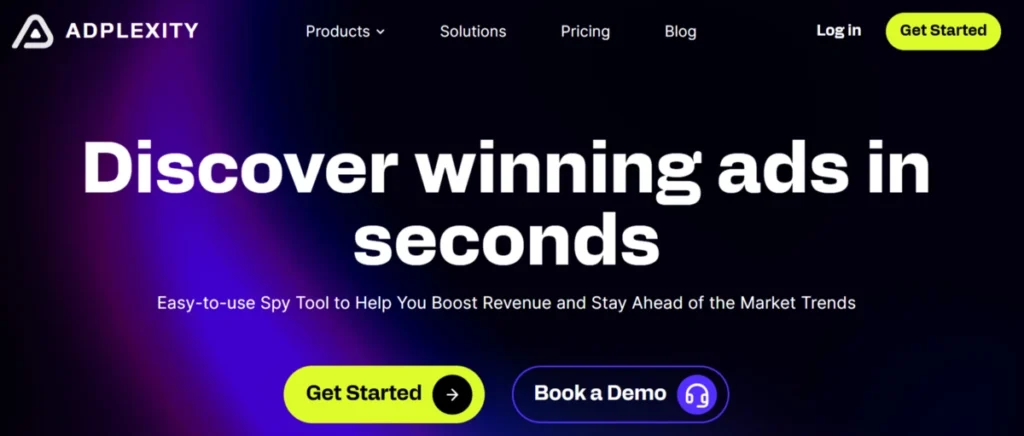
AdPlexity is an ad intelligence platform built for performance affiliates and media buyers. It tracks competitor ad campaigns across 7 ad formats — native, desktop, mobile, push, adult, YouTube, and social — letting you see which creatives, landing pages, and offers are running, and which ones have been active long enough to be profitable.
AdPlexity Features
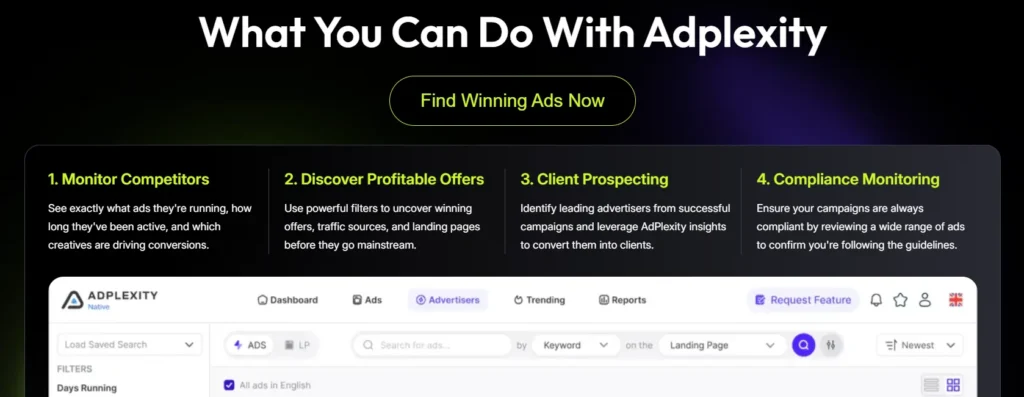
Native Ad Intelligence
AdPlexity Native is the flagship module and the one I have used the most. It tracks 20M+ native ads across 9 networks (Taboola, Outbrain, Revcontent, MGID, Content.ad, Yahoo Gemini, Baidu, AdNow, Engageya) in 60+ countries. The database size is the largest I have found in any native ad spy tool — see our full AdPlexity Native guide for details.
Use Code: BLOGECLIPSE_N
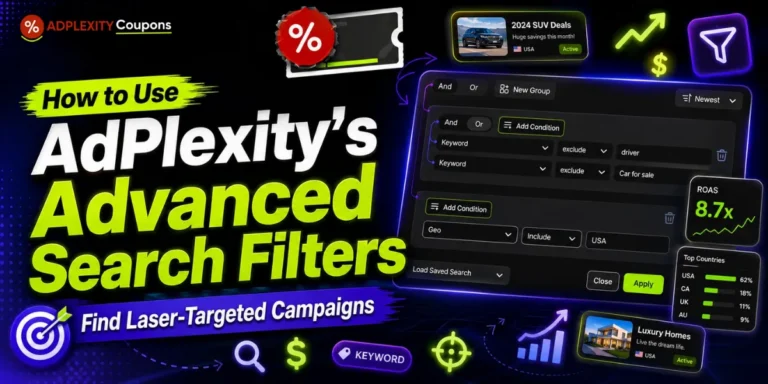
What works well: The “Running Since” sort is the single most useful feature. Sorting by longest-running campaigns surfaces ads that have been active for 30, 60, or 90+ days — a reliable proxy for profitability. Combined with GEO and network filters, you can narrow 20M+ ads down to the 50–100 most relevant campaigns for your niche in under 10 minutes.
What does not work well: The search function is keyword-based and matches landing page text, not visual creative elements. If you are looking for campaigns using a specific type of image (e.g., “before/after” photos), you cannot filter by image content — you have to scroll through results manually.
Desktop Ad Spy Tool For Affiliates
AdPlexity Desktop is built for spying on desktop display ads, banner campaigns, pop traffic, landing pages, and desktop traffic sources.
The Desktop module lets users search ads by keywords found inside the ad content or landing page, check competitor ads on networks like Google and PopCash, and reveal offers running through affiliate networks such as ClickBank, ClickDealer, and TradeTracker.
This module is useful if you run desktop CPA offers, sweepstakes, finance, software, casino, lead generation, or search arbitrage campaigns.
What works well: AdPlexity Desktop makes it easy to see which desktop banners and landing pages competitors are using repeatedly. This is useful for finding proven layouts, offer angles, and traffic sources before launching your own desktop campaign.
What does not work well: Like other AdPlexity modules, Desktop is sold separately. If you already use Native or Push, adding Desktop increases the monthly cost, so it only makes sense if desktop traffic is part of your paid media strategy.
Use Code: BLOGECLIPSE_D
Push and Mobile Coverage
AdPlexity Push covers 3M+ push notification ads across 10 networks and 90+ countries. The push module is solid for researching creative hooks, badge icons, and landing page structures used in push campaigns. I found it most useful for identifying which push networks competitors are buying from and which offer verticals perform best on push traffic.
Use Code: BLOGECLIPSE_P
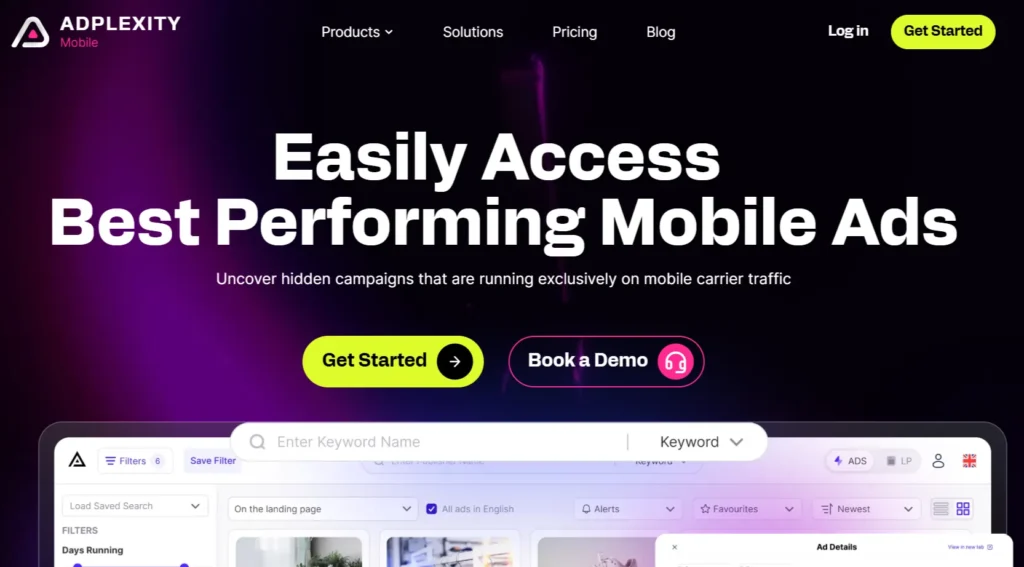
AdPlexity Mobile tracks 10M+ mobile campaigns — pop-unders, redirects, and mobile-specific creatives across 90+ countries. The mobile data overlaps somewhat with Push but focuses on mobile-specific display and pop formats rather than push notifications.
Use Code: BLOGECLIPSE_M
YouTube and Social Modules
AdPlexity YouTube ($149/month) tracks video ad campaigns across 60+ countries. It shows which video creatives competitors are running as pre-roll and in-stream ads. The module is niche but useful if YouTube advertising is a significant part of your media buy.
Use Code: affiliateninjaclub_va
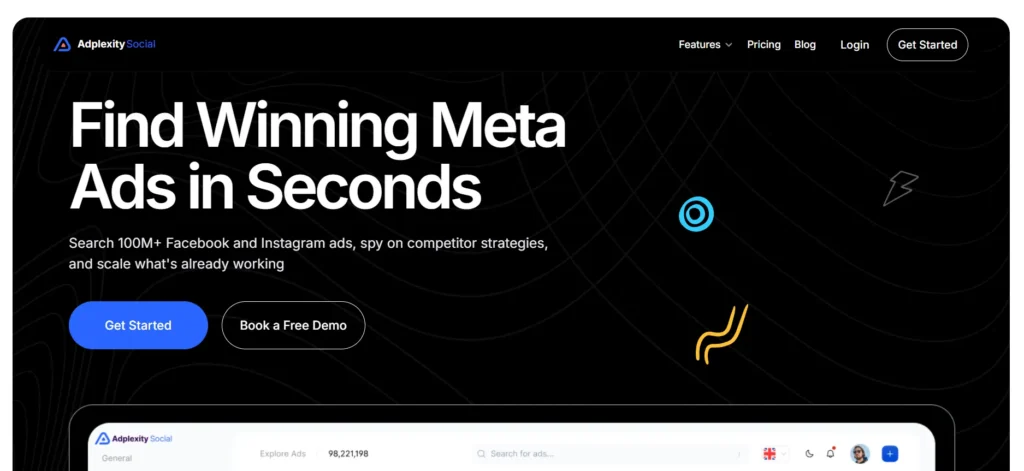
AdPlexity Social ($99/month) covers Facebook, Instagram, and TikTok ad data through adplexity.io. At $99/month, it is the cheapest entry point into the AdPlexity platform. The social database is functional but smaller than dedicated social spy tools like BigSpy.
Use Code: affmaven_s
Download and Export Tools
One-click landing page downloads are available across all modules. Click the download button on any campaign and you get the complete HTML file — images, CSS, JavaScript, and all assets. The ad creative is saved as an image file. This is one of AdPlexity's strongest features — it turns research into actionable assets in seconds.
The export tool lets you save campaign lists as CSV files for offline analysis. Filters are saved between sessions, so your frequent research setups are preserved when you log back in.
AdPlexity Pricing
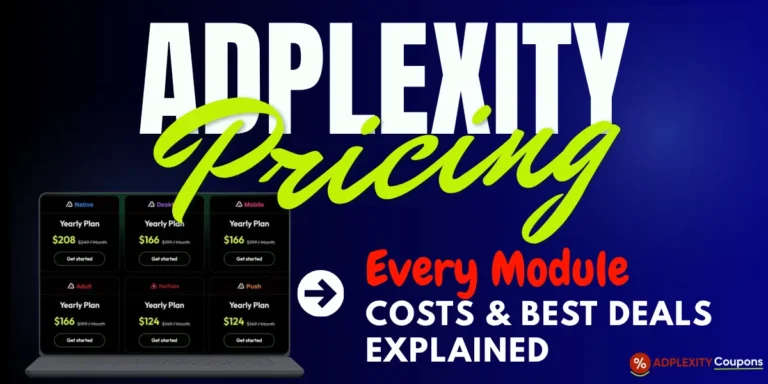
| Plan | Monthly | Annual/mo | With BLOGECLIPSE_N (monthly) |
|---|---|---|---|
| Native | $249 | $208 | $174.30 |
| Desktop | $199 | $166 | $139.30 |
| Mobile | $199 | $166 | $139.30 |
| Push | $149 | $124 | $104.30 |
| Adult | $199 | $166 | $139.30 |
| YouTube | $149 | $124 | $104.30 |
| Social | $99 | $79 | $69.30 |
Each module is sold separately. No all-in-one bundle exists. Running Native + Push = $398/month at full price ($278.60 with BLOGECLIPSE_N). See the full AdPlexity pricing 2026 breakdown.
🏷️ EXCLUSIVE: 30% OFF AdPlexity Lifetime
30% OFF every billing cycle — permanently
AdPlexity Pros and Cons
Pros
Cons
Who Should Use AdPlexity?
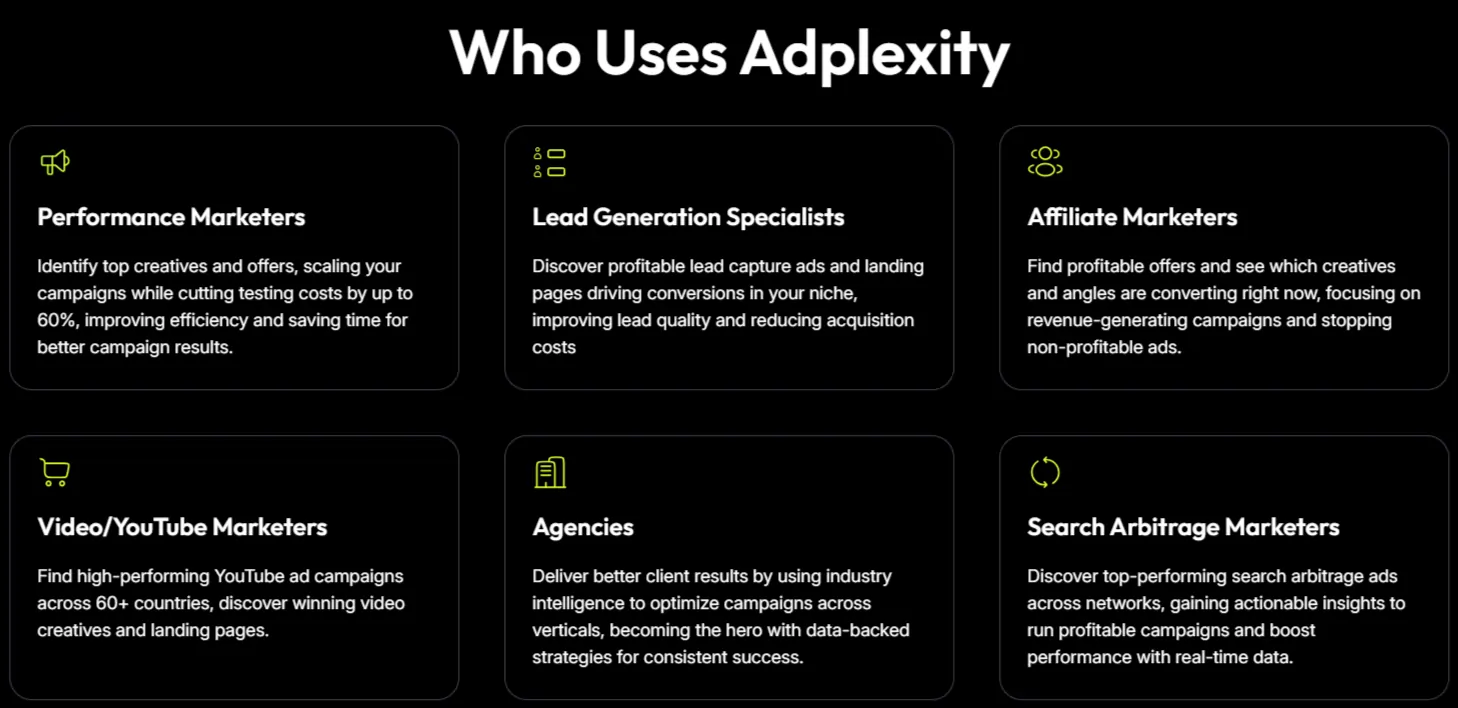
AdPlexity delivers the most value for:
Here is a closer look at each group and why AdPlexity specifically fits their needs:
Performance affiliates with $1,000+/month ad spend are the core users. At that budget level, a single losing campaign can cost hundreds of dollars in wasted clicks. Having access to what competitors are actively running — and for how long — directly reduces the cost of blind testing.
If you can see that four different advertisers have been running similar health-supplement angles on Taboola for 45+ days, you know the angle converts before you spend a dollar. The subscription pays for itself by cutting your testing budget.
Media buyers managing client campaigns use AdPlexity as a benchmarking tool. Before pitching a new campaign strategy to a client, a media buyer can pull competitor data to show what creative and landing page styles are dominating the client's vertical. It also helps set realistic CPM and CPA expectations for new campaigns by showing what is already running at scale.
Marketers entering a new vertical benefit from having a proven-angle shortlist before they build any creative. Instead of guessing what emotional hooks work for a financial offer or insurance campaign, you can browse 30–60 day active campaigns in that category, map the common headline patterns, and build your first test around angles that already have market validation.
Who Should Not Use AdPlexity?
AdPlexity Reviews from Affiliates and Media Buyers
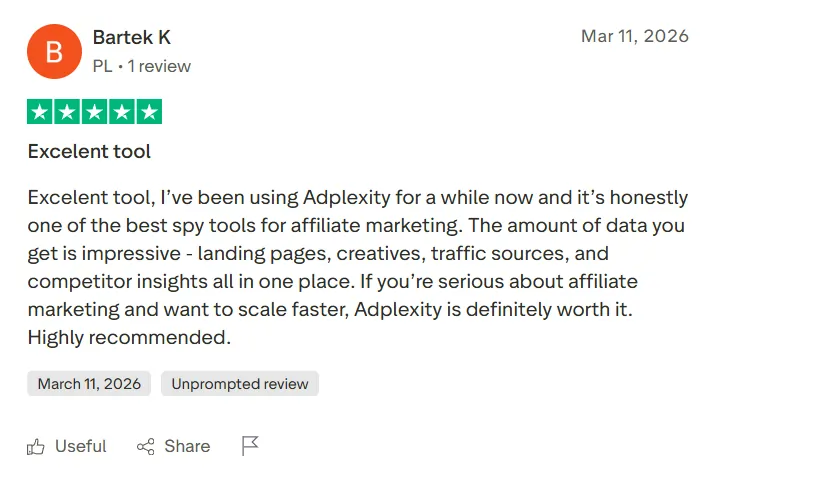
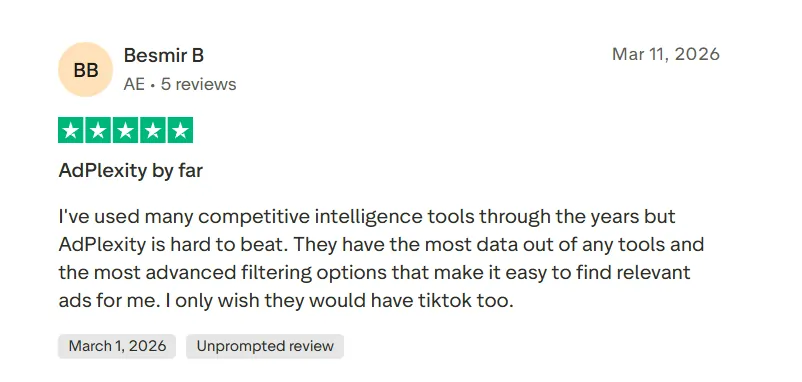
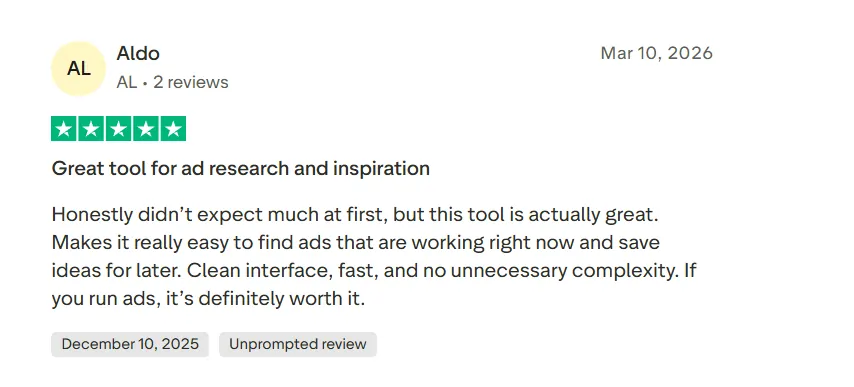
Most AdPlexity users praise it for saving research time, finding winning ad angles faster, and reducing the need for blind campaign testing. The strongest positive feedback usually comes from affiliates and media buyers who already understand paid traffic and know how to turn competitor data into campaign ideas.
Users also like the depth of competitive intelligence. Many mention that seeing active ads, landing pages, traffic sources, and long-running campaigns helps them understand what is working in a niche before spending money on tests.
Another common positive point is the landing page download feature. For affiliates, being able to study full funnel structure, page layout, copy flow, and creative style makes AdPlexity more useful than a basic ad library.
Overall, user feedback is strongest around three things: better campaign research, faster creative discovery, and clearer competitor analysis. The platform gets the most appreciation from serious advertisers who use it weekly, not from casual users who only need occasional ad research.
AdPlexity vs Alternatives
| Ad Intellligence Tool | Price | Free Trial | Native | Push | Social |
|---|---|---|---|---|---|
| AdPlexity | $99–$249/mo | No | ✓ 20M+ | ✓ 3M+ | ✓ |
| Anstrex | $89.99/mo | No | ✓ 10M+ | ✓ 5M+ | ✗ |
| BigSpy | Free/$9+ | Yes | ✗ | ✗ | ✓ |
| SpyOver | $149/mo | No | ✗ | ✓ | ✗ |
| PiPiADS | $77+/mo | 3-day | ✗ | ✗ | ✓ TikTok |
See how it compares in our detailed how it compares to Anstrex breakdown, or read the full AdPlexity alternatives comparison.
FAQs Related to Adplexity Review
Is AdPlexity worth the price?
For active media buyers spending $1,000+/month on paid traffic, yes — the competitive intelligence reduces blind testing costs enough to justify the subscription. For beginners or SEO marketers, no — the data requires campaign experience to be useful.
Does AdPlexity have a free trial?
No. There is no free trial, demo, or limited-access tier. The 24-hour refund policy is case-by-case and not guaranteed. See our AdPlexity free trial guide for risk-reduction strategies.
What is the best AdPlexity plan?
For most affiliates, Native ($249/month, $174.30 with BLOGECLIPSE_N) offers the deepest data. For the lowest entry cost, Social ($99/month, $69.30 with coupon) is the place to start.
Can I cancel AdPlexity anytime?
Yes. Monthly subscriptions can be cancelled before the next billing cycle. You retain access until the end of the current period. No partial refunds for unused days.
How does AdPlexity compare to Anstrex?
AdPlexity has larger native data (20M+ vs 10M+) and more ad formats (7 vs 2). Anstrex is cheaper ($89.99 vs $149–$249) and has a larger push database (5M+ vs 3M+).
Final Verdict
AdPlexity earns a 4.1/5 in my assessment. The native ad database is genuinely the deepest available, the one-click landing page downloads save real time, and the “Running Since” sort is the single most useful feature for identifying profitable campaign angles. The 30% lifetime discount via BLOGECLIPSE_N makes the pricing more accessible.
The cons are real: no free trial, dated interface, and expensive multi-plan pricing. If you only need social ad intelligence, BigSpy is cheaper and has more data. If you only need native or push at a lower price, Anstrex is worth considering.
But for multi-format competitive intelligence — the ability to research native, push, mobile, desktop, social, YouTube, and adult ads from one platform — AdPlexity is still the most complete option in 2026.